Current demo
Written walkthrough covering evidence review, pricing, verification, and entry.
Demo
This page gives visitors a short walkthrough of the current product flow. A polished video can be added later, but the conversion path is usable today.
Demo status
Written walkthrough covering evidence review, pricing, verification, and entry.
Add a two-minute screen capture showing the same steps without adding new claims.
Visitors can still move from demo to trust proof, pricing, and portal entry.
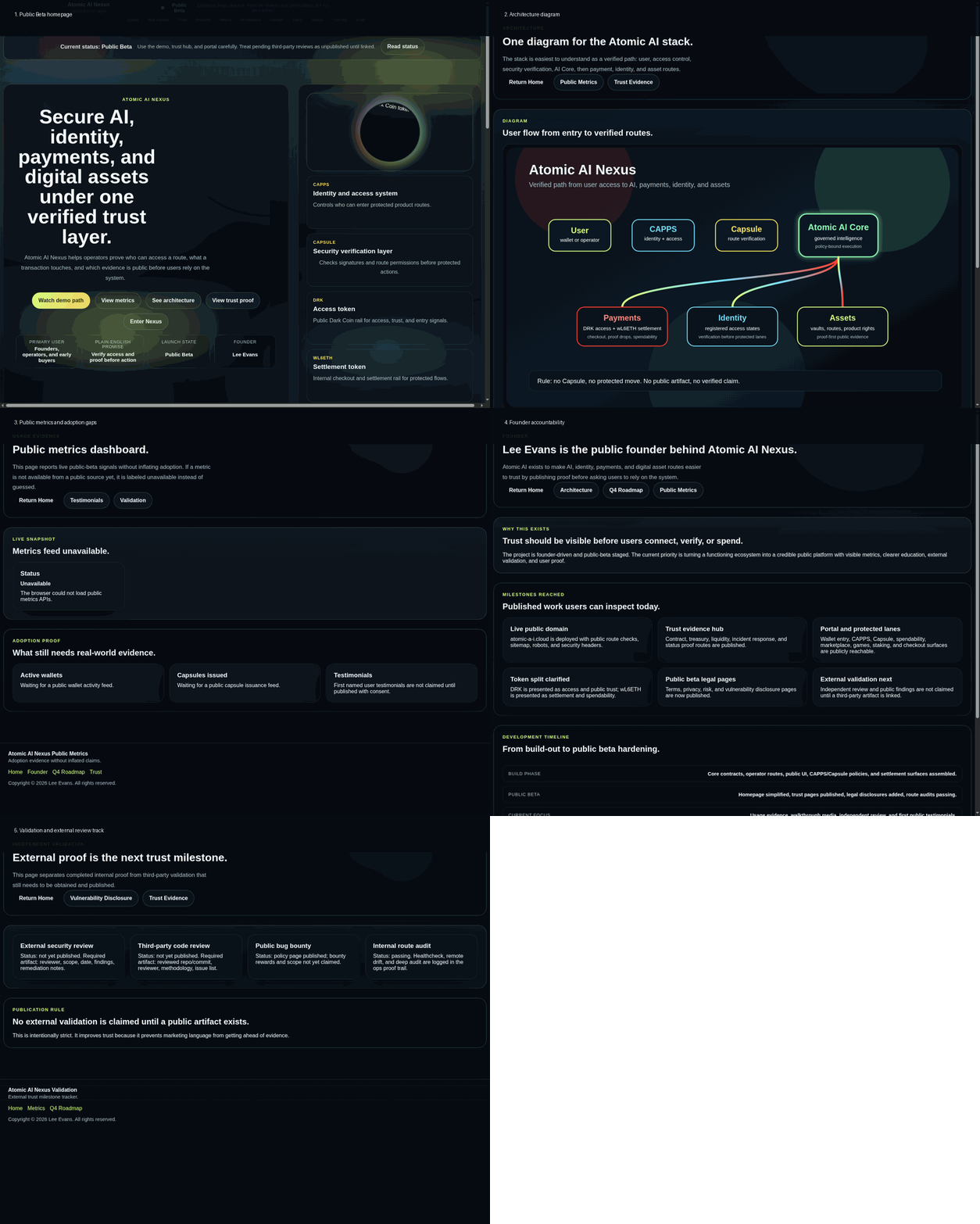
Walkthrough
Start from the public page and review the trust evidence before trying the protected routes.
See the actual DRK pricing and understand the difference between demo access and paid usage.
Open the trust hub, security page, and traction page before you touch the product lanes.
Wallet connect, CAPPS registration, and Capsule verification gate the protected parts of the stack.