1. What is Atomic AI?
A verified trust layer for AI access, identity, payments, and digital assets. It keeps public proof, access control, and protected routes visible.
Walkthrough
This walkthrough answers the five questions a first-time visitor needs answered before connecting a wallet or entering the public beta.
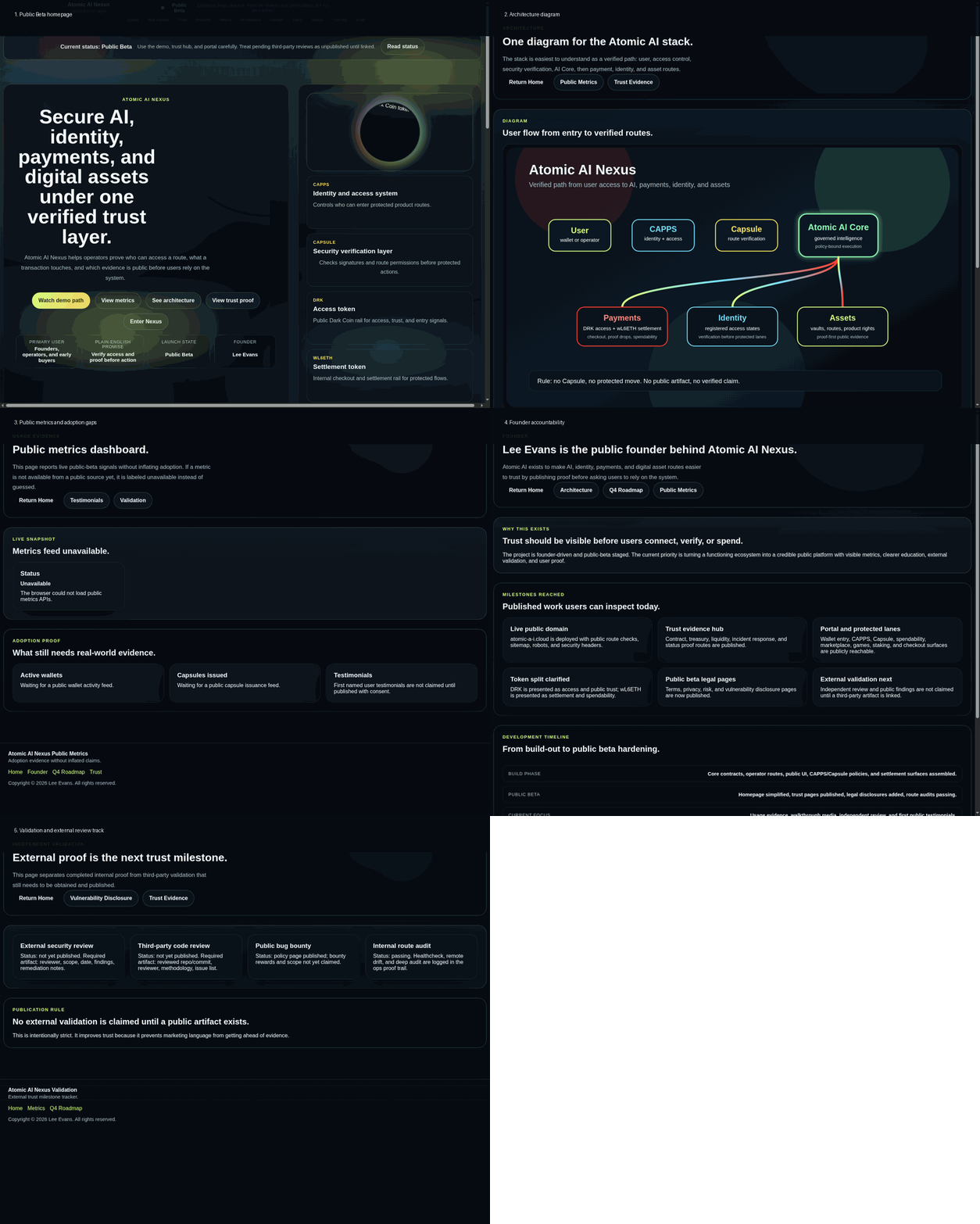
Five-question walkthrough
A verified trust layer for AI access, identity, payments, and digital assets. It keeps public proof, access control, and protected routes visible.
It reduces blind trust. Users can see evidence, route status, token roles, and security boundaries before relying on the system.
Read the architecture, metrics, validation, and trust evidence pages. Then open the portal only after checking wallet and contract prompts.
Completed internal audits, deployment checks, route audits, public status APIs, legal/risk pages, and founder accountability are published. External validation is still labeled as pending.
You enter the public beta path: wallet connect, CAPPS access, Capsule verification, protected route entry, spendability, and proof confirmation.
This is a generated public-page walkthrough. A real wallet-interaction screen recording should replace it after capture.
90-second recording script